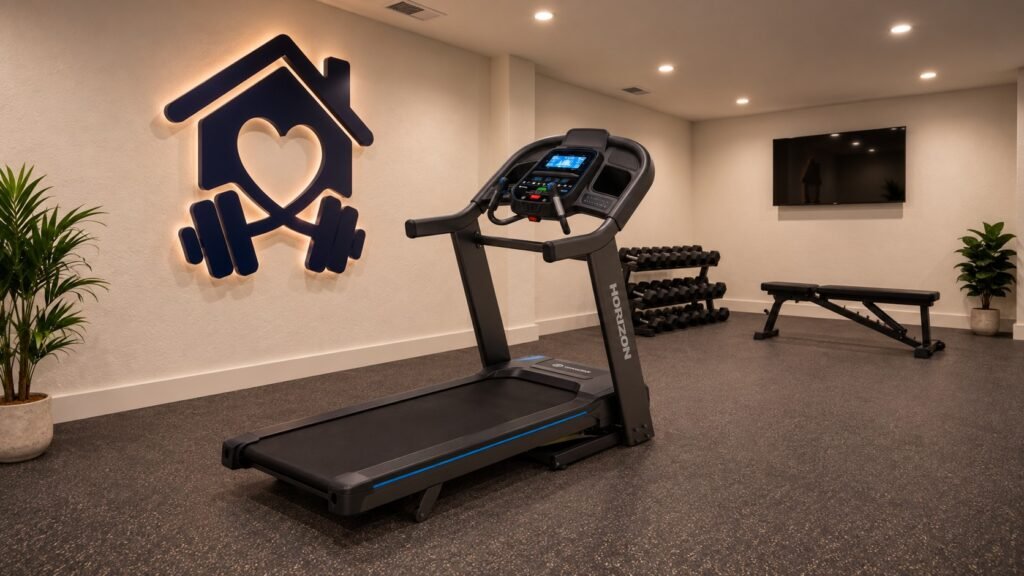
Horizon 7.4AT-24 @Zone Review
A folding treadmill with a wide running belt for regular runners who want fast interval controls and a broad choice of connected training apps.
Summary and Chapter Links
Horizon 7.4AT-24 @Zone quick verdict
The Horizon 7.4AT-24 @Zone is a strong option for regular runners who want plenty of room without being tied to a built-in subscription screen. The 153 x 56 cm (60 x 22 in) running area, 3.5 HP motor, 20 km/h (12.4 mph) top speed and 15% incline give it a good base for steady running and intervals.
The QuickDial controls and broad app support are the most useful extras for me. The trade-off is size and weight: at about 146 kg (322 lb), this is a treadmill I would plan to leave in one training area rather than move regularly.
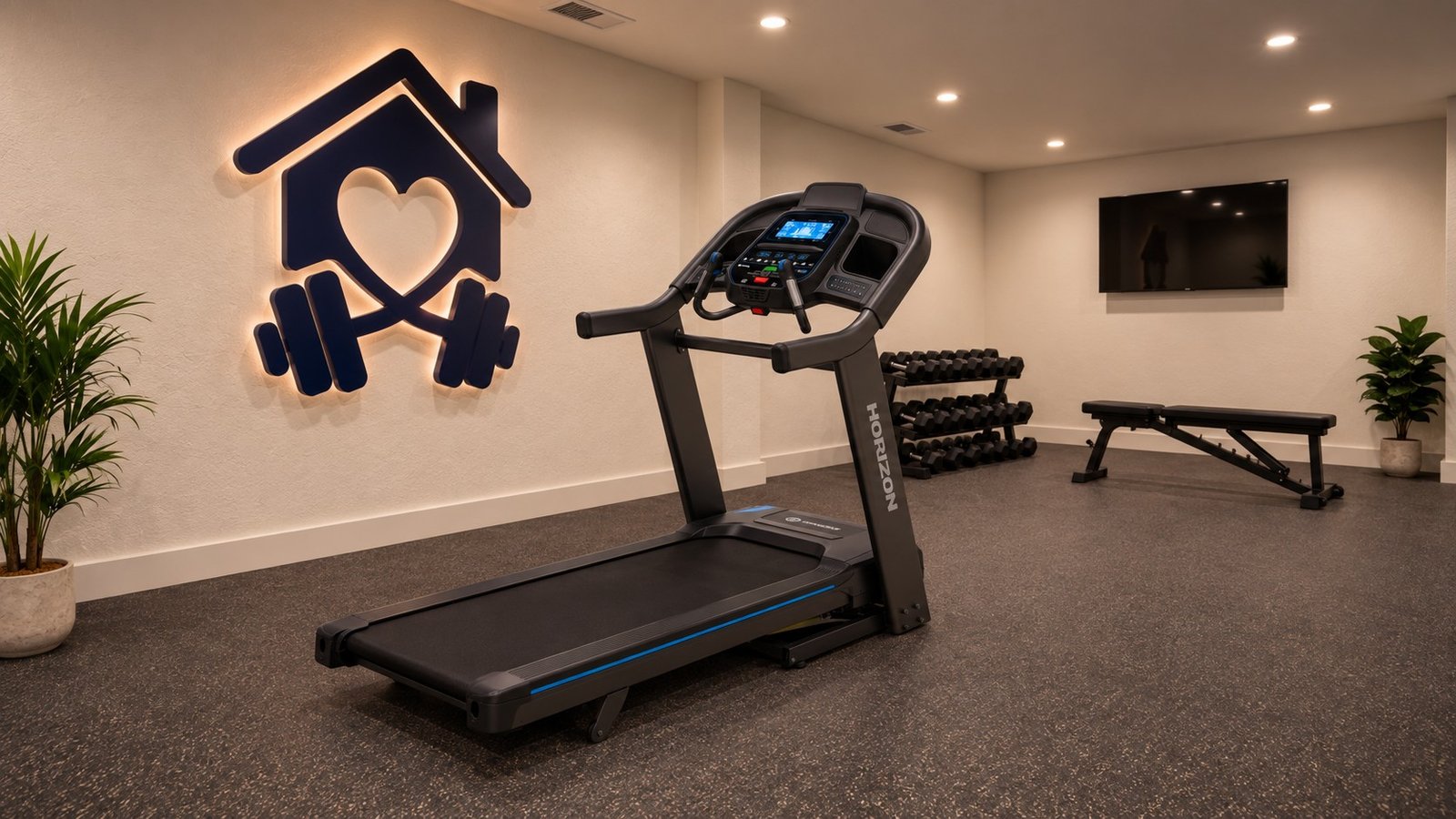
Horizon 7.4AT-24 @Zone specifications
| Motor power | 3.5 HP |
| Maximum speed | 20 km/h (12.4 mph) |
| Incline | 15% |
| Running area | 153 x 56 cm (60.2 x 22.0 in) |
| Maximum user weight | 159 kg (25 st 1 lb) |
| Frame type | Fold-Up Deck |
| Compatible apps | AtZone, Apple Health, Google Fit, Kinomap, Peloton, Zwift |
| Assembled dimensions (L x W x H) | 193 x 93 x 161 cm (76.0 x 36.6 x 63.4 in) |
Paid link
I judge the Horizon 7.4AT-24 @Zone by the job it is meant to do – give regular runners a roomy folding treadmill with quick interval controls and flexible app connectivity without making a built-in touchscreen central to the purchase.
- Training suitability – running area, motor, speed, incline and how the overall specification fits the intended use.
- Build and practicality – machine weight, user capacity, frame type, dimensions, storage and how realistic it is to place and move at home.
- Technology and ownership – console, app choice, controls, warranty and recurring themes in model-specific customer feedback.
I use the current UK specification as the starting point and focus on how the main features affect real buying decisions. I also check that the UK model or console package matches the version covered here.
Is this treadmill right for me?
Enter a few details and I will check them against the product information for this treadmill. Treat the result as a buying aid rather than a manufacturer guarantee.
Who is the Horizon 7.4AT-24 @Zone best for?
The 7.4AT-24 @Zone is a good fit if you run regularly, like interval training and want a wide running belt with app options that do not depend on one built-in touchscreen.
If you need a lighter treadmill that will be moved often, I would look elsewhere. I would also look at another model if a large integrated entertainment screen is high on your list.
What Stands Out
Roomy running area – The 153 x 56 cm (60 x 22 in) belt gives regular runners plenty of space and the extra width is a useful bonus.
QuickDial controls suit intervals – The dials make speed and incline changes easier when you are switching intensity frequently.
Good scope for hill training – There is enough gradient for hard hill walking and varied running sessions.
Flexible app choice – AtZone, Zwift, Kinomap and Peloton compatibility give you more options than a treadmill centred on one closed platform.
Things to consider
It is a heavy treadmill – At about 146 kg (322 lb), delivery and assembly need planning and I would not want to move it regularly.
Bring your own screen – The console focuses on workout data rather than a large built-in HD display, so app-led sessions are better with your own phone or tablet.
Check app behaviour before buying for one specific platform – Data sharing and direct treadmill control vary by app, so compatibility is not the same thing as every app doing everything.
A CLOSER LOOK
How the Horizon 7.4AT-24 @Zone performs in key areas
RUNNING COMFORT
Running area
The 153 x 56 cm (60 x 22 in) running area is roomy for a home treadmill. A 50 cm (20 in) width is already normal for running, so I see the extra width here as a comfort bonus rather than a requirement.
BUILD & CAPACITY
Build and user weight
The maximum user weight is 159 kg (25 st 0 lb). Together with the 146 kg (23 st 0 lb) machine weight, that points to a treadmill intended to stay planted during regular running rather than be moved around often.
PERFORMANCE
Motor and speed
The 3.5 HP motor and 20 km/h (12.4 mph) top speed cover regular running, faster intervals and sprint-style sessions for most home users. The combination is aimed at regular running rather than just occasional jogging, and the QuickDial controls help you use that speed range without repeatedly tapping buttons.
HILLS & INTERVALS
Incline
The incline reaches 15%, giving you plenty of scope for hill work. QuickDial controls make the speed and incline easier to change during interval sessions. For walking, the higher gradient can make low-speed sessions much harder; for running, it gives you room for short hill intervals and longer climbs.
SPACE & STORAGE
Frame and storage
The treadmill measures about 193 x 93 x 161 cm (76 x 36.6 x 63.4 in) in use and roughly 109 x 93 x 180 cm (42.9 x 36.6 x 70.9 in) folded.
The running platform folds upright for storage, but the machine is still large and heavy. My folding treadmill guide explains how this style stacks up against flatter storage designs.
CONNECTED TRAINING
Apps and subscriptions
AtZone is Horizon’s own companion app, with Zwift, Kinomap and Peloton adding more connected-training options.
Apple Health and Google Fit are shown as workout-data sync options. That is different from an app controlling speed or incline, so check the function you want before buying. My smart treadmill guide explains the difference.
EVERYDAY USE
Console and controls
The console keeps speed, incline, time, distance and other workout data visible without making a touchscreen subscription central to the machine. QuickDial controls are the feature I would notice most during faster sessions.
AtZone is Horizon’s own companion app. Zwift, Kinomap and Peloton add more training options, while Apple Health and Google Fit handle workout-data syncing.
PEACE OF MIND
Warranty and after-sales cover
The warranty is lifetime on the frame with 2 years parts and labour.
The lifetime frame cover is reassuring, while the two-year parts and labour cover is reasonable for home use. I would pay most attention to the two-year parts and labour period, because that is the cover most likely to matter if a component needs attention during normal ownership.
SPACE CHECK
Horizon 7.4AT-24 @Zone dimensions and space required
The 7.4AT-24 @Zone measures about 193 x 93 x 161 cm (76 x 36.6 x 63.4 in) when open and weighs about 146 kg (322 lb). It needs a suitable access and enough clear space around the machine for safe access.
| Dimensions in use | 193 x 93 x 161 cm (76.0 x 36.6 x 63.4 in) |
| Running area | 153 x 56 cm (60.2 x 22.0 in) |
| Machine weight | 146 kg (322 lb) |
| Frame type | Fold-Up Deck |
| Maximum user weight | 159 kg (25 st 1 lb) |
Although the treadmill has transport wheels, you still need to be comfortable lifting or tilting part of the 146 kg (322 lb) machine to get it onto the wheels before moving it.
Because the treadmill’s boxed weight will be over 80 kg, couriers will not take it up any stairs during delivery.
TREADMILL COMPARISON
Compare the Horizon 7.4AT-24 @Zone with other treadmills
Use the selectors below to compare the Horizon 7.4AT-24 @Zone with up to three treadmills I have reviewed. The first column stays fixed to this model.
Choose at least one treadmill above to show the comparison table.
| Feature | Horizon 7.4AT-24 @Zone | |||
|---|---|---|---|---|
| Motor power | 3.5 HP | |||
| Maximum speed | 20 km/h (12.4 mph) | |||
| Incline | 15% | |||
| Running belt | 153 x 56 cm (60.2 x 22.0 in) | |||
| Maximum user weight | 159 kg (25 st 1 lb) | |||
| Frame type | Fold-Up Deck | |||
| Compatible apps | AtZone, Apple Health, Google Fit, Kinomap, Peloton, Zwift | |||
| Assembled dimensions | 193 x 93 x 161 cm (76.0 x 36.6 x 63.4 in) |
The table is there to make the differences easier to scan. I would still judge each treadmill in the context of the training it is designed for rather than treating one higher figure as automatically better.
Horizon 7.4AT-24 @Zone final verdict
The 7.4AT-24 @Zone gets the running fundamentals right. The 153 x 56 cm (60 x 22 in) running area, 3.5 HP motor, 20 km/h (12.4 mph) top speed and 15% incline make it a strong choice for regular home running.
The QuickDial controls are particularly useful for intervals. They let you change speed and incline quickly without turning every adjustment into a series of button presses.
The connected side is more open than many smart treadmills. AtZone is Horizon’s own app, while Zwift, Kinomap and Peloton give you alternatives without forcing a large built-in subscription screen.
if you have the room for a 146 kg (322 lb) treadmill and value running space, quick controls and app freedom, the 7.4AT-24 @Zone is a strong option. The warranty is reasonable for home use, with lifetime frame cover adding reassurance.
Paid link
FAQ
Is the Horizon 7.4AT-24 @Zone suitable for regular running?
Yes. The 153 x 56 cm (60 x 22 in) running area, 3.5 HP motor and 20 km/h (12.4 mph) top speed make it a strong option for regular home running.
What is AtZone?
AtZone is Horizon’s own companion app for compatible fitness equipment. Current UK information shows AtZone alongside Zwift, Kinomap and Peloton for connected training, while Apple Health and Google Fit are used for workout-data syncing.
Which apps work with the Horizon 7.4AT-24 @Zone?
AtZone, Zwift, Kinomap and Peloton cover connected training, while Apple Health and Google Fit handle workout-data syncing. Check the exact function you need because app compatibility does not mean every app can control speed or incline.
Does the Horizon 7.4AT-24 @Zone fold?
Yes. Folded dimensions are about 109 x 93 x 180 cm (42.9 x 36.6 x 70.9 in). Folding saves floor space, but the 146 kg (23 st 0 lb) machine is still large and heavy.
What is the maximum user weight?
The maximum user weight is 159 kg (25 st 0 lb).
What is the UK warranty?
The warranty is lifetime on the frame with 2 years parts and labour.
Author: Ian Smith For the past five years I’ve worked in marketing for one of the UK’s leading fitness equipment brands. During this time I’ve learnt a thing or two about fitness equipment: what’s out there and commonly asked customer questions. I also regularly used the equipment myself and would help test out new products. LinkedIn profile